You're not losing because your champion is bad. You're losing because you're playing on 45 FPS with Character Inking turned on and your camera locked like it's 2014.
Let me guess — you installed League, hit Play, and never touched the settings menu. Maybe you turned shadows off once because a YouTube video told you to. Maybe you changed your keybinds in Season 8 and haven't looked at them since.
Here's the thing: League's default settings are terrible. They're designed for someone playing their first MOBA on a laptop from 2018. If you're trying to climb ranked in Season 16, you're handicapping yourself before the game even loads.
I'm not talking about placebo stuff. I'm talking about measurable differences — input delay, FPS stability, visual clarity — that add up to real missed skillshots and real lost fights. The gap between "default settings" and "optimized settings" is bigger than most players think. Let's fix it.
Graphics Settings: The FPS Killers
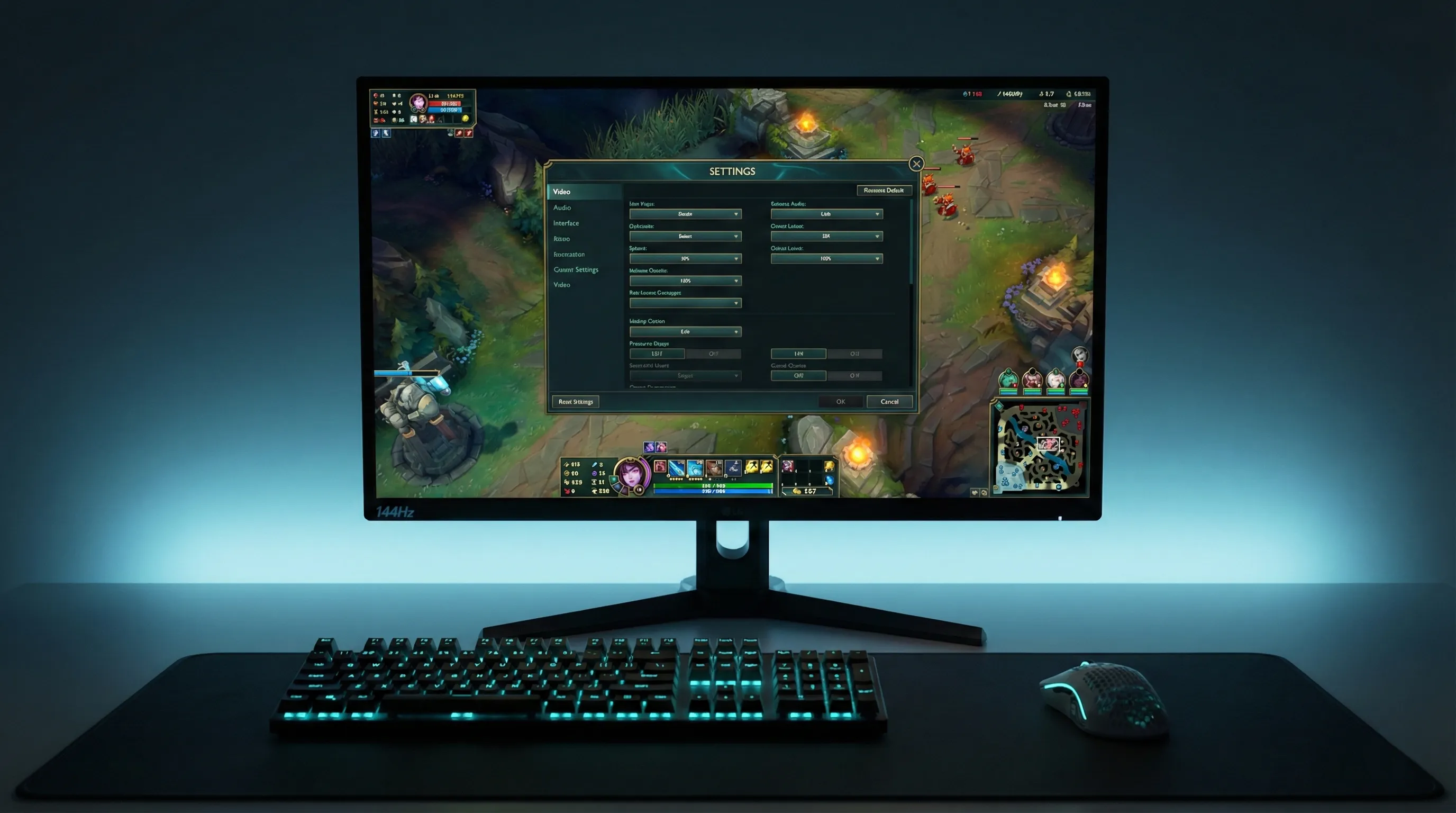
This is where most people bleed performance without realizing it. League isn't a demanding game, but Riot keeps adding visual effects, and the default settings have them all cranked up.
Here's what to set everything to:
| Setting | Recommended | Why |
|---|---|---|
| Resolution | Native (1920×1080) | Anything lower looks blurry. Anything higher tanks FPS for no competitive gain. |
| Window Mode | Borderless | Fullscreen gives ~5 more FPS but alt-tabbing is painful. Borderless is the sweet spot. |
| Graphics Quality | Medium or Low | High/Very High adds particle bloat that hides abilities in teamfights. |
| Character Quality | Medium | Low makes champions look like clay. Medium is clean without the overhead. |
| Environment Quality | Low | You're not here to admire the trees on Summoner's Rift. |
| Effects Quality | Low | This is the big one. High effects quality makes teamfights a visual mess. Low keeps abilities readable. |
| Shadows | Off | Free FPS. Shadows do nothing for gameplay. Turn them off. |
| Character Inking | Off | Adds a black outline around champions. Looks "cleaner" but actually makes it harder to distinguish overlapping models in fights. |
| Frame Rate Cap | Uncapped or 144/240 | Match your monitor's refresh rate. If you have a 60Hz monitor, cap at 60. If 144Hz, uncap or cap at 144. |
| Anti-Aliasing | Off | Barely noticeable in League. Free FPS. |
| V-Sync | Off | Adds input lag. Always off. No exceptions. |
| Wait for Vertical Sync | Off | Same as V-Sync. Off. |
V-Sync is the silent killer. It caps your framerate to your monitor's refresh rate AND adds input delay. Every frame has to wait for the monitor to be "ready" before displaying. That's 10-30ms of extra lag on every single input. If you have V-Sync on right now, turn it off immediately. This alone will make your game feel more responsive.
The "But I Have a Good PC" Trap
I hear this constantly. "I have an RTX 4070, I can run everything on max." Sure, you can. But why would you? Higher graphics settings in League don't make the game look meaningfully better — they add visual noise that makes teamfights harder to read. Every pro player in every region plays on low-medium settings. Not because their PCs can't handle it. Because clarity wins games.
The only exception is Character Quality on Medium. Below that, champion models look rough enough to be distracting. Everything else? Crank it down.
Mouse Settings: DPI and Sensitivity
Your mouse settings matter more than your graphics settings. This isn't CS2 where you need pixel-perfect aim, but League still requires precise cursor placement for skillshots, kiting, and clicking on the right target in a 5v5 mess.
Don't copy Faker's exact DPI. Mouse sensitivity is personal. The "best" DPI is whatever lets you comfortably reach every corner of the screen without lifting your mouse. Start at 800 DPI / 50 in-game and adjust from there. Give yourself a week to adapt before changing again.
Keybinds: What to Change from Default
League's default keybinds are fine for learning the game. They're not fine for climbing. Here are the changes that actually matter:
Quick Cast Everything
If you're still on normal cast (where you press Q, see the range indicator, then click to fire), you're adding a full click to every ability. That's 50-100ms per spell. In a combo that uses 4 abilities, that's up to 400ms of wasted time. Quick cast fires the ability the instant you press the key.
Go to Settings → Hotkeys → Quick Cast All. Done.
Quick Cast with Indicator is the compromise. If you're not ready to go full quick cast, use "Quick Cast with Indicator" — hold the key to see the range, release to fire. You get the visual feedback without the extra click. Most players graduate to full quick cast within a week.
The Keybinds Pros Actually Change
The biggest one here is Attack Move Click. If you play ADC or any auto-attack champion and you're not using Attack Move, you're misclicking in fights constantly. Attack Move makes your champion attack the nearest target to your cursor, so even if you click slightly off the enemy, you still auto-attack instead of walking into them like a minion.
Unlock Your Camera
I know. I know. Locked camera feels safe. You always know where your champion is. But locked camera is a crutch that actively prevents you from improving. You can't see ganks coming. You can't track the enemy jungler. You can't watch a fight happening in another lane.
Unlock it. Use Space to snap back to your champion when you need to. It'll feel awful for 20 games. Then it'll feel normal. Then you'll wonder how you ever played locked.
Interface Settings Most People Ignore
These aren't flashy, but they matter:
| Setting | Recommended | Why |
|---|---|---|
| Minimap Scale | Maximum (100) | The minimap is the most important thing on your screen. Make it as big as possible. You should be glancing at it every 3-5 seconds. |
| Minimap on Left Side | Personal preference | If you accidentally click the minimap during fights (common for right-handed players), move it to the left. Otherwise, keep it right. |
| HUD Scale | 0 or minimum | Smaller HUD = more game visible. You don't need giant ability icons — you know what your abilities do. |
| Chat Scale | Minimum | Or just /mute all. Chat has never won anyone a ranked game. |
| Show Timestamps | On | Lets you track summoner spell cooldowns. "Flash 14:32" in chat means their flash is back at ~19:32. |
| Show Allied Chat | Off (optional) | Controversial, but if you tilt from chat, turn it off. You can still ping. Pings communicate everything you need. |
| Colorblind Mode | On | Even if you're not colorblind. It changes enemy health bars to a more visible red-yellow and makes some abilities easier to see. Many pros use it. |
Minimap scale at 100 is non-negotiable. If you're below Gold, I guarantee you don't look at the minimap enough. Making it bigger forces it into your peripheral vision. It's the single highest-value interface change you can make.
Audio Settings: The Underrated Edge
Most players either blast music over the game or have everything at default. Both are wrong.
Turn down the music. Turn up the SFX. League has audio cues for almost everything — Sion ulting from fog of war, Evelynn's charm warning, Karthus R channel. If you can't hear these because you're listening to the Summoner's Rift theme for the 10,000th time, you're missing free information.
The Settings Checklist (Copy This)
Here's the quick-reference version. Screenshot this or bookmark it:
| Category | Setting | Value |
|---|---|---|
| Video | Resolution | 1920×1080 (native) |
| Video | V-Sync | Off |
| Video | Shadows | Off |
| Video | Effects Quality | Low |
| Video | Anti-Aliasing | Off |
| Video | Character Inking | Off |
| Mouse | DPI | 800-1600 |
| Mouse | In-Game Sensitivity | 40-60 |
| Mouse | Windows Acceleration | Off |
| Keybinds | Quick Cast | All abilities |
| Keybinds | Camera Lock | Unlocked (Space to center) |
| Keybinds | Attack Move | A + Click |
| Interface | Minimap Scale | 100 (maximum) |
| Interface | Colorblind Mode | On |
| Audio | Music | 0-10% |
| Audio | SFX | 70-100% |
Still Getting Low FPS? Hardware Bottlenecks
If you've done everything above and you're still below 60 FPS, the problem isn't settings — it's hardware. League is CPU-bound, not GPU-bound. That means your processor matters more than your graphics card.
A few things to check:
- Close Chrome. Seriously. Chrome eats RAM like nothing else. Close every tab you don't need before launching League.
- Update your GPU drivers. Nvidia and AMD release driver updates that sometimes include League-specific optimizations.
- Check your thermals. If your laptop is thermal throttling (overheating and slowing down), no amount of settings tweaking will help. Get a cooling pad or clean out the dust.
- Set League to High Priority in Task Manager (Details tab → right-click League process → Set Priority → High). This tells Windows to give League more CPU time.
If your PC is genuinely old (pre-2018 CPU, less than 8GB RAM), you might be at the point where a hardware upgrade is the only real fix. League's minimum specs have crept up over the years, and a machine that ran it fine in Season 8 might struggle in Season 16.
Quick FPS test: Go into a Practice Tool game. Walk to a bush and stand still — note your FPS. Then start a full 5v5 teamfight with training dummies. If your FPS drops below 60 during the fight, your settings are too high or your hardware is the bottleneck.
Does Any of This Actually Matter?
Yes. But let me be honest about how much.
Optimizing your settings won't turn you from Silver to Diamond. If your game sense is bad, no amount of FPS will fix that. But settings optimization removes friction. It removes the moments where you missed a skillshot because of input lag, or died because you couldn't see the ability in the particle soup, or lost a trade because your FPS dropped to 30 during the all-in.
It's the difference between a clean setup and a messy one. You can code on a cluttered desk, but you'll work better on a clean one. Same idea.
If you want to actually improve at the game itself, check out our guide on how to carry in low elo or use our free MMR checker to see where you actually stand. Settings get you to the starting line. Gameplay gets you across the finish.
Ready to Climb?
Fresh account, clean MMR, optimized settings. That's the recipe.
---